
It’s 2:47 a.m. Your phone buzzes. An alert fires again. You acknowledge it, diagnose the issue half asleep, patch it, write a quick note and crawl back to bed. Three hours later, you’re at your desk like nothing happened.
If that sounds familiar, you’re not alone. On-call duty is one of the most important — and most mismanaged responsibilities in engineering. If done right, it protects your systems and distributes the load fairly. If done wrong, it destroys team morale and drives your best engineers to the door.
According to the 2024 State of Engineering Management Report, 65% of engineers reported experiencing burnout in the past year. On-call stress is a major contributing factor, and it compounds quickly when rotations are poorly designed, alert noise is high and there’s no automation to catch the easy stuff.
This guide covers the on-call best practices that high-performing SRE and platform engineering teams actually use: Rotation models, compensation approaches, alert hygiene, tooling selection and how automation is changing the on-call equation.
What Makes On-Call Unsustainable
Before fixing your on-call rotation, it helps to understand why most rotations break down.
The core problem is rarely the concept of being on-call — it’s the accumulation of bad patterns that make it unbearable. On-call engineers typically allocate 30–40% of their bandwidth during an on-call period to incident responsibilities. When that load spikes beyond sustainable thresholds, or when rotations are unfair, the effects cascade fast.
The following are the most common failure modes:
- Alert Fatigue: Too many low-signal, non-actionable alerts hitting the same pager. The Google SRE Workbook recommends a maximum of 2–3 actionable incidents per shift as a sustainable baseline. If your team is consistently seeing 8–10, you don’t have an on-call problem — you have an alerting problem.
- Unbalanced Rotations: Small teams with outsized coverage responsibilities. When less than five engineers share 24/7 coverage, each person gets paged far more often than they should. This accelerates fatigue and creates fragile single points of knowledge.
- Lack of Tooling and Runbooks: Engineers who wake up at 3 a.m. without documented procedures are forced to wing it under pressure. This leads to longer mean time to resolution (MTTR), more stress and decisions made without context.
- No Separation Between On-Call and Project Work: Google’s SRE philosophy explicitly reserves at least 50% of SRE time for project work. When on-call bleeds into sprint goals and delivery timelines, engineers feel perpetually behind — even when they did everything right.
Choosing the Right On-Call Rotation Model
There is no universal on-call rotation. The right model depends on your team size, geographic footprint and service criticality. Here are the three most common patterns, and when to use each.
1. Weekly Rotational Schedules
The most common model. One engineer carries the primary pager for a defined period — usually one week — with a secondary backup available for escalation. The handoff occurs on a fixed cadence with a structured knowledge transfer.
This model works well for small- to mid-sized teams with a single time zone. The main risk is that weekly shifts can feel long when the alert volume is high. The mitigation is a strict cap on pager load and a clear secondary escalation path, so the primary isn’t carrying the weight alone.
2. Follow-the-Sun
For distributed teams across three or more time zones, follow-the-sun (FTS) distributes coverage, so each regional team owns its daylight hours. With three sites spanning the U.S., Europe and APAC, this model can reduce on-call duration per engineer by as much as 67% because no one works overnight.
The overhead is real: FTS requires reliable handoff procedures, strong documentation and enough engineers in each region to make it viable. However, for teams with global presence, it dramatically reduces fatigue while maintaining 24/7 coverage.
3. Round Robin
Every eligible engineer cycles through on-call responsibilities in a fixed order. This model distributes load evenly and exposes more engineers to incident response, which builds organizational resilience and cross-functional knowledge.
Round robin works best in environments where the alert load is moderate and manageable. It pairs well with shadow rotations, where newer engineers observe experienced peers before carrying the pager independently — a practice that builds confidence and accelerates ramp-up.
Seven On-Call Best Practices That Actually Work
Here is what consistently separates high-functioning on-call programs from ones that churn through engineers.
1. Cap Incident Load Per Shift
Set a hard expectation: If on-call incidents consistently exceed the team’s defined threshold (Google recommends 2–3 actionable incidents per shift), the rotation schedule is not the solution. The alerting stack needs an audit. Every alert in your stack should pass a simple test: Has this required human action in the last 90 days? If the answer is no, route it to a non-paging channel or delete it.
Categorize every alert as actionable (immediate response required), informational (useful context, no action needed) or noise (false positives to eliminate). Pruning the noise category alone often cuts pager load by 30–40%.
2. Standardize the Handoff Process
A clean handoff is the difference between a confident on-call engineer and one who walks into a minefield. Establish a structured weekly transition meeting — 30 minutes is sufficient — where the outgoing and incoming engineers review active incidents, silenced alerts and upcoming risky changes. The incoming engineer summarizes back before the outgoing engineer signs off.
Document this in your runbooks. The handoff summary should also be posted to a shared Slack or Teams channel visible to the entire SRE organization, so context is never trapped in a single person’s head.
3. Build and Maintain Runbooks for Your Top Incidents
Identify your five most common incident types from the last quarter. For each one, write a runbook: Specific commands, specific dashboards, specific escalation contacts. A runbook is a checklist, not a manual. It should answer what do I do right now? — not what is the architectural history of this service?
Runbooks dramatically reduce MTTR, lower the cognitive load on on-call engineers and reduce the fear that makes burnout worse. They’re especially valuable for junior engineers or anyone onboarded into a complex system quickly.
4. Add a Shadow Rotation for new Engineers
Before any engineer carries the pager independently, they should shadow an experienced colleague through real incidents. This shadow layer is added to the rotation schedule explicitly — not as an informal mentorship, but as a structured step in on-call readiness.
Shadow rotations build confidence, surface knowledge gaps early and accelerate the time it takes for new team members to contribute to incident response rather than just observe it.
5. Track Four Key Metrics
Gut feelings about on-call health are unreliable. Four metrics give you the data to make decisions and justify rotation changes or additional headcount to leadership:
- MTTR: From alert to resolution — the primary health metric for your incident response program.
- Alert Volume per Shift: Total alerts fired vs. actionable alerts acted upon.
- On-Call Load Distribution: Are alerts evenly distributed across engineers, or is one person absorbing most of the load?
- Incident Recurrence Rate: Are the same issues recurring? Recurrence signals a remediation gap that automation or better runbooks can address.
Review these metrics on a monthly cadence. They will tell you when your rotation model needs to change before burnout does.
6. Compensate On-Call Fairly
On-call is work. It disrupts sleep, social plans and recovery time. Engineering teams that treat on-call as an informal obligation — without compensation, time back or formal acknowledgment — send a clear message: Your time outside business hours doesn’t matter.
The compensation model varies by organization. Some provide direct pay for on-call shifts, particularly for out-of-hours paging. Others offer compensatory time off after heavy weeks. What matters is consistency and transparency. Engineers are far more willing to participate in on-call when they know the program is fair and the organization recognizes the burden.
7. Conduct Blameless Postmortems
Postmortems are the learning mechanism of on-call programs. When something goes wrong — and it will — the goal is to understand what happened and how to prevent recurrence, not to assign blame. Google’s SRE culture explicitly mandates blameless postmortems: Everyone involved had good intentions, and systemic improvement comes from analyzing processes, not people.
A good postmortem answers: What happened? What was the user impact? What was the timeline? What worked well in the response? What should change? Each postmortem should produce at least one action item with an owner and deadline. Without follow-through, postmortems become theater.
The Tooling Layer: What you Actually Need
On-call tooling has matured significantly. The core stack for an effective on-call program includes:
- Alert Routing and On-Call Scheduling: PagerDuty, OpsGenie or incident.io manage schedules, escalation policies and notification routing. These platforms let you define primary and secondary responders, configure time-based escalation and give engineers visibility into shift loads.
- Incident Management: Centralized platforms where incidents are declared, communicated and tracked through resolution. The best platforms integrate with Slack or Teams so incident management happens where engineers already work, reducing context switching during a live incident.
- Observability and Monitoring: You can’t manage what you can’t see. Your on-call program is only as good as the signals feeding it. Clean dashboards, meaningful SLIs and SLOs and well-tuned alerting thresholds are prerequisites for reducing noise.
- Runbook Automation: The ability to execute pre-defined remediation steps automatically or semi-automatically for known incident patterns. This is where the biggest gains in on-call efficiency come from, and where platforms such as StackGen make a measurable difference.
Reducing On-Call Burden Through Automation
The most durable strategy for on-call burnout prevention is reducing the number of incidents that require human response in the first place.
StackGen applies AI-powered automation to the most repetitive and predictable on-call scenarios — the kinds of incidents that wake engineers up at 3 a.m. for something that could have been handled automatically. By correlating signals across your observability stack, Aiden identifies known incident patterns and executes pre-approved remediation actions without requiring an engineer to acknowledge and investigate.
The result is a reduction in actionable pager load, which directly addresses the root cause of on-call burnout. Engineers are still in the loop for novel incidents that require judgment. But the routine restarts, rollbacks and scaling events that constitute the bulk of alert volume? Those resolve automatically, with full audit trails for postmortem review.
For platform teams managing dozens of services across complex infrastructure, this shift from reactive human response to proactive automated remediation is the difference between an on-call program that’s sustainable and one that costs you engineers, every quarter.
Building a Sustainable On-Call Culture
Tooling and rotation models matter, but on-call culture is what holds everything together. A few practices that high-performing teams consistently apply:
- Treat On-Call Readiness as a Team Responsibility: If one engineer is carrying a disproportionate share of incidents — because they built the system, or they’re the most senior — that’s a knowledge distribution problem. Fix it with pairing, documentation and deliberate rotation design.
- Make Psychological Safety Explicit: Engineers should feel comfortable escalating incidents they can’t resolve without being judged. The cost of a slow escalation is always higher than the cost of asking for help.
- Review Your Rotation Design Quarterly: Teams and services change; what worked six months ago may no longer fit your current team composition, coverage needs or alert volume. Treat your on-call program as a living system that requires the same maintenance as the infrastructure it protects.
- Separate On-Call From Performance Evaluation: Engineers who are afraid that escalations or missed response times will affect their reviews will game the system and burn out trying. On-call incidents are system events, not performance events.
Key Takeaways
On-call best practices come down to a few core commitments: Fair rotation design, clean alerting, structured knowledge transfer and meaningful automation to reduce the load.
Organizations that get this right, don’t just have fewer burnout incidents — they have faster response times, better postmortem follow-through and on-call programs that engineers trust rather than dread.
If your team is ready to reduce the operational burden on your on-call rotation through intelligent automation, explore how StackGen handles the routine incidents so your engineers can focus on the ones that actually require them.


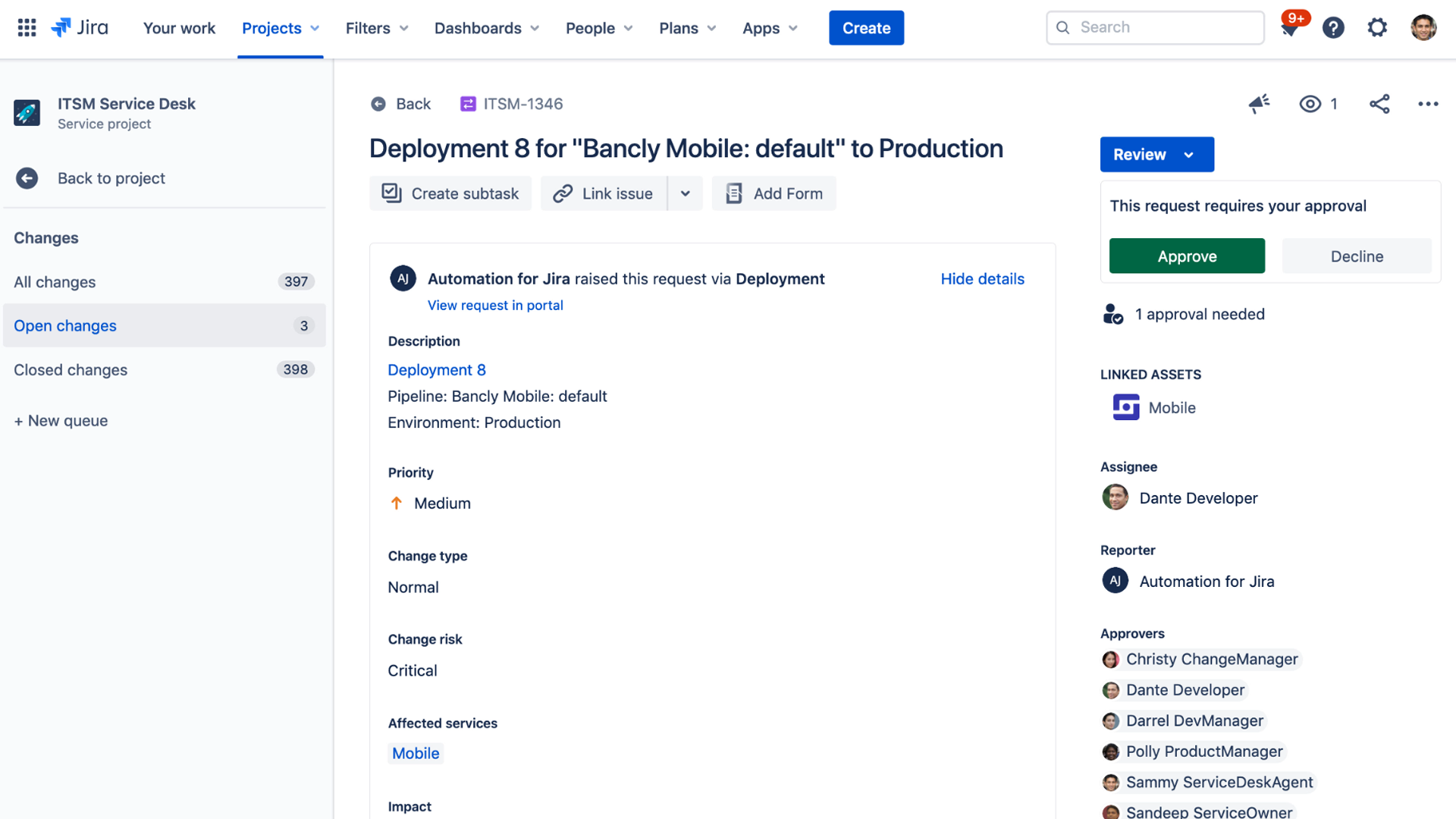

 Atlassian Data Center now incorporates Jira Software 8.0, Confluence 7.0, Bitbucket 6.0, Jira Service Desk 4.0 and Portfolio 3.0. The latest version of Jira Software 8.0 now executes advanced searches using Jira Query Language (JQL) 31% faster on average, while agile boards load two times faster and re-indexing times are now 71% faster. The latest version of Confluence adds support for multimedia files and additional analytics tools to the content management platform.
 Serhat Can is a Technical Evangelist for