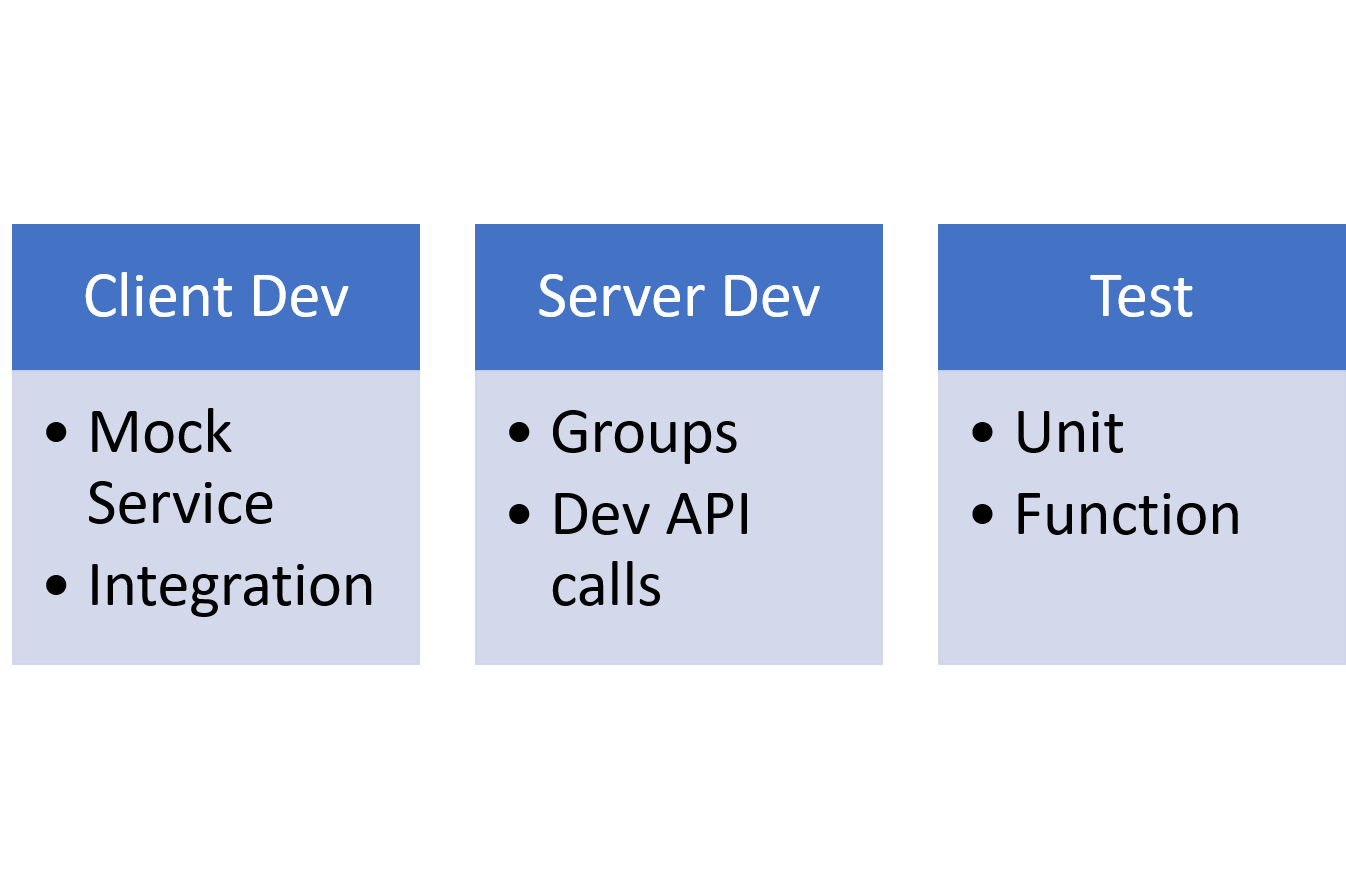
One of the central ways to progress an agile transformation is to introduce continuous testing. With all such changes, it is cultural as much as technical. The expected outcomes are less broken builds and reduced time from break to fix, as well as a yardstick for measuring the team’s ambition for improvement.
The Testing Bit and the Continuous Bit: Testing should be part of any agile developer’s skillset; the shift is to apply it to the whole build pipeline. Continuous implies automation, with the build featuring as a living thing whose state is always changing. The infrastructure options have expanded with the advent of cloud computing and virtual containers.
Let’s say your teams’ developers work on components, independently buildable and testable chunks of the whole app or service. They receive stories and tasks to improve a customer journey and then add functionality to implement these. And when done, they check their work into your team’s code repository.
Starting with One Developer, One Laptop and One Test
The initial testing focus for a single developer (or pair) working on code will be the unit test and the coverage test. Whether writing the test first or code first, the unit test pokes the bounds of the new code and the coverage test checks that all code paths are exercised.
As an example, maybe the developer has implemented the “customer wants to deposit money” story on an accounts component of a banking system. The tests should check what happens if a user deposits zero, negative or fractional money and the coverage confirms the tests have wandered down all possible the code paths of the new feature. In this way, coverage tests also prevent a developer from adding code without introducing the corresponding tests.
At this point, it is worthwhile making sure tests are run as part of the build so every time the developer builds the code all the unit tests are run. This is a fairly standard thing for most build systems to do. The bottom line is the chance of checking-in breaking code is greatly reduced.
Now the Bigger Picture
The new code worked on your developer’s laptop, the tests passed and they checked-in the code. But in a busy enterprise team, other developers are also working on the same component, maybe even on the same file. This is no different from working on a book chapter with several authors. Your developer worked with a stable snapshot of the code. It is quite possible changes were made by others that conflict with the changes your developer just made. So how do we proceed?
This is the purpose of the central build. The job of the central build is to check out all code for that component, build it and run all associated tests whenever new code is checked in. In today’s world, the likely path would be to create a container on a cloud server, where the component can be built from scratch, and then all the tests run against it. Traditionally, a tool such as Jenkins would watch for git check-ins and kick off a build. The result is the team always knows if the overall build is green (working) or red (broken). A developer must understand the central build is the true source of truth, not what is happening on their laptop. So, the latest check-in leads to a correctly built component. What next?
There are three general types of testing needed to develop a software system. Tests that make sure new features work correctly and don’t break the component, tests that make sure the components still work with each other and those confirming the customer journeys your component participates in all work as expected. There would be no point in making a deposit function without a customer journey test that proves a customer can deposit cash with the system.
The second type of testing, usually referred to as integration testing, needs an environment where all current successfully built components can communicate with each other. Today, that may mean some form of container orchestration with the system’s components placed and managed in their containers. Tests of a customer journey may involve emulating the customer’s manipulation of a website or mobile app, depending on how the application or service is accessed. These are the tests stakeholders are most interested in as they confirm what has been requested in the stories actually work. As with integration testing, these tests may be run less often.
I Mock Thee
Mock (or fake) services and data are a necessary part of the testing process, and usually, must be maintained and extended as part of the testing. A feature story may require a developer to spend more time developing or extending a mock service than writing the code it helps test. For example, a mock account with some transaction history is needed to test a new deposit function.
Live environments can never be entirely simulated in test environments. Sometimes a live service uses a paid for third-party service, and it would be too expensive to use in testing. It is usually the case that the development staff are not permitted to work with live customer data.
The Build Is Alive
All the structures mentioned are just products of one simple attitude: “How do I know if this works?” For continuous testing to thrive, engineers should always question whether every part of the system is being tested and whether the tests are being evolved at the same pace as feature development. When tests or mocks are missing, an agile team refers to technical debt. This is as it implies, something that must be paid for later.
When team members realize they cannot just check-in code and go to lunch without checking the central build, that is a good sign. Information radiators such as large screen displays of the build state should be used to get the extended team to understand the state of the build is everyone’s concern, throughout the lifecycle.