
Contrast Security this week made available a free security tool that enables developers to scan their code using the same core engine used by the cybersecurity team within their organization.
Steven Phillips, vice president of product marketing for Contrast Security, said while there is no shortage of free tools for scanning code these days, the majority are not especially accurate. The scanning engine in CodeSec by Contrast Security is more than 10 times more accurate, Phillips said, because it is optimized to identify true positives versus generating a lot of false negatives, he claimed. He added that CodeSec is not just another freemium offering for developers that is a hobbled version of a commercial offering.
CodeSec also differs from Contrast Security’s existing application security tool because it provides access to a command-line interface (CLI) that makes it easier to integrate within the context of a DevOps workflow. That approach makes it simpler for organizations to shift more responsibility for application security further left toward developers, noted Phillips.
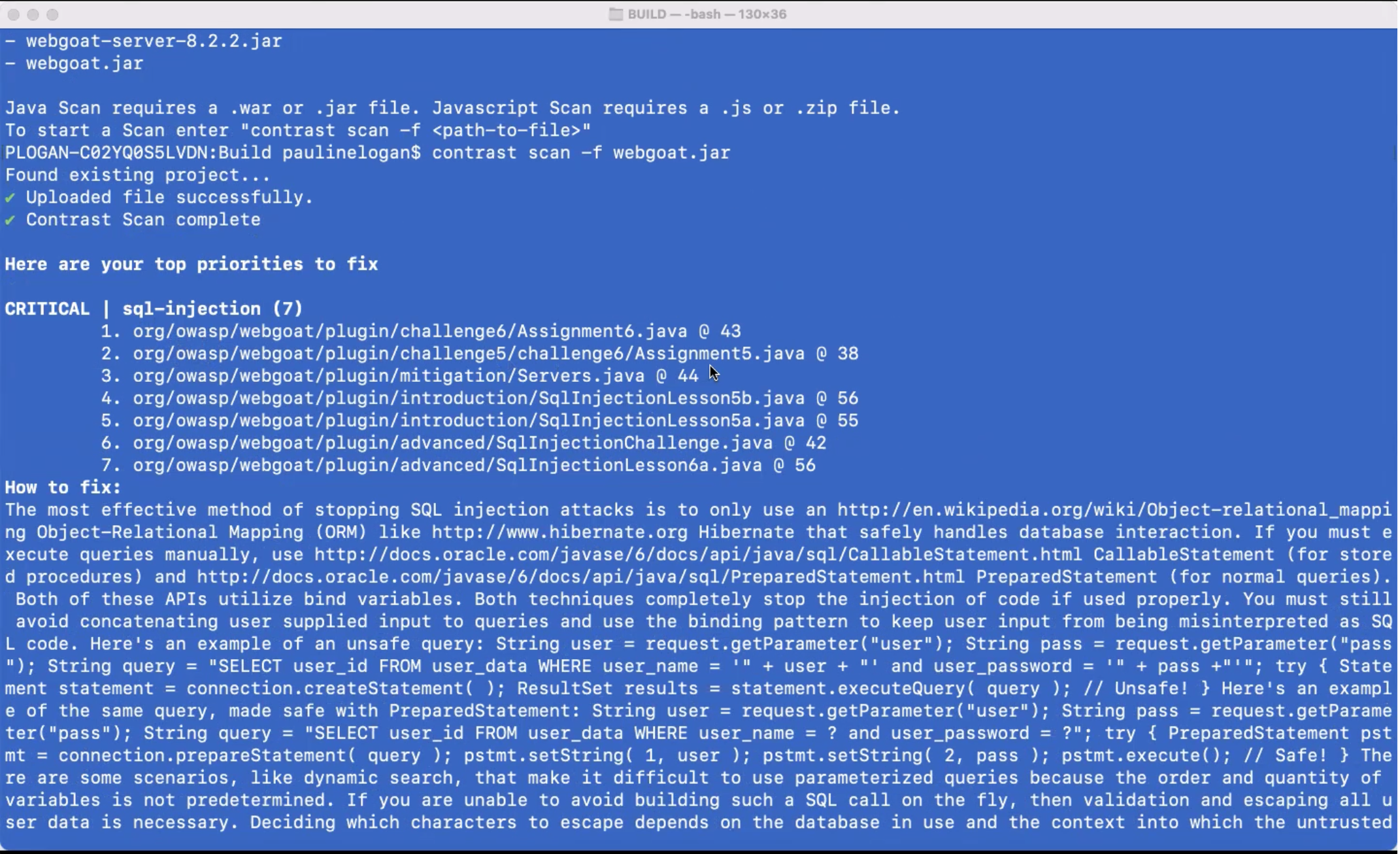
However, shifting responsibility left toward developers is not a panacea, Phillips said. The Contrast Security approach enables more collaboration between development and cybersecurity teams that are using the same scanning engine via a software-as-a-service (SaaS) platform to discover vulnerabilities, he noted.
It’s difficult to determine just how far cybersecurity might shift left, but every vulnerability discovered by an application development team is one less for cybersecurity teams to ask developers to fix in a production environment. The challenge is making it as simple as possible for developers to discover those vulnerabilities.
One way or another, the amount of time and effort being applied to application security has increased sharply in recent months following the disclosure of a series of high-profile breaches. Cybercriminals are now targeting software supply chains as part of an effort to compromise a wide range of downstream applications. Many of the modules that developers routinely reuse are being compromised by surreptitiously inserted malware. The fundamental challenge organizations are trying to address is how to build and deploy more secure applications without slowing down the rate at which they are built.
Naturally, training developers to recognize security issues is a big part of the equation. However, no two developers are ever going to have the same level of cybersecurity expertise. Tools that identify vulnerabilities in ways that developers can act on are critical for advancing the adoption of DevSecOps best practices. Those tools require some level of acceptance among developers because they tend to prefer CLI tools.
In the meantime, organizations will most likely have to scan a wide range of already-deployed applications for vulnerabilities. Applications running both inside and outside the cloud have been routinely deployed with a minimum level of scanning. The truth is that many developers have tended to view cybersecurity policies as an impediment to building and deploying applications. Unfortunately, cybercriminals now appreciate and take full advantage of the opportunity to wreak havoc.
