
DevOps workflow is more than a work approach. It’s a corporate culture. It involves a range of practices that bridge software development (Dev) and IT operations (Ops). By doing so, it creates a uniform, continuous process without a gap between teams. As a result, it creates an environment with smooth collaboration, communication and shared responsibility.
In 2025, the global adoption rate of this culture is over 78%. Companies implement this methodology to ensure faster and more reliable delivery of services and software solutions with a higher quality of the end product.
If you’re also looking to adopt this philosophy or planning to start using services that work based on it, getting started can seem rather frustrating at first. This guide aims to help you by breaking down the modern DevOps workflow into the key components, practices and tools that need to be adopted for maximum smooth operations.
Continuous Development
The first essential element of the workflow is continuous development. It consists of two parts:
- Planning -The ongoing process of defining the quality factors and requirements for new solutions.
- Development – The continuous process of code writing, software development and unit testing to prepare solutions according to the existing plan.
In the regular work process, the planning and development stages are large and project-focused. In the development/operations culture, it’s an ongoing process. The development is handled in smaller cycles instead. And this helps ensure continuous software delivery and updates.
Continuous Integration
The next key component is DevOps continuous integration. CI is the process of continuous integration of code changes. The changes are usually produced by several contributors and frequently (often, several times a day) inserted into a central repository.
The most important element of this stage is automatic building and testing. CI implies that the solution is tested every time someone makes a change in the code. This practice allows smooth collaboration of several developers within a single project. It also keeps the codebase up to date, cuts down the cost of integration, and allows early bug detection and fixes.
Some of the most common DevOps workflow tools involved in CI include:
- Jenkins
- GitLab CI
- CircleCI
Continuous Delivery and Deployment
In a DevOps workflow diagram, these stages mark the start of the operations process. This is where development and operations intersect.
It consists of two coexistent elements:
- Continuous delivery stands for making the code always ready for release after it has undergone the necessary changes and testing.
- Continuous deployment stands for automatic deployment of the delivered code. Simply put, it instantly goes into production when it’s stable enough, which ensures fast availability of new features and updates to users.
The CD process allows businesses to reduce manual intervention in the production and release processes, eliminating the need for scheduling when new features and releases will roll out. Respectively, it allows a faster time to market for each solution.
Some of the main DevOps automation tools used at this stage include Spinnaker, ArgoCD and Harness.
Infrastructure as Code
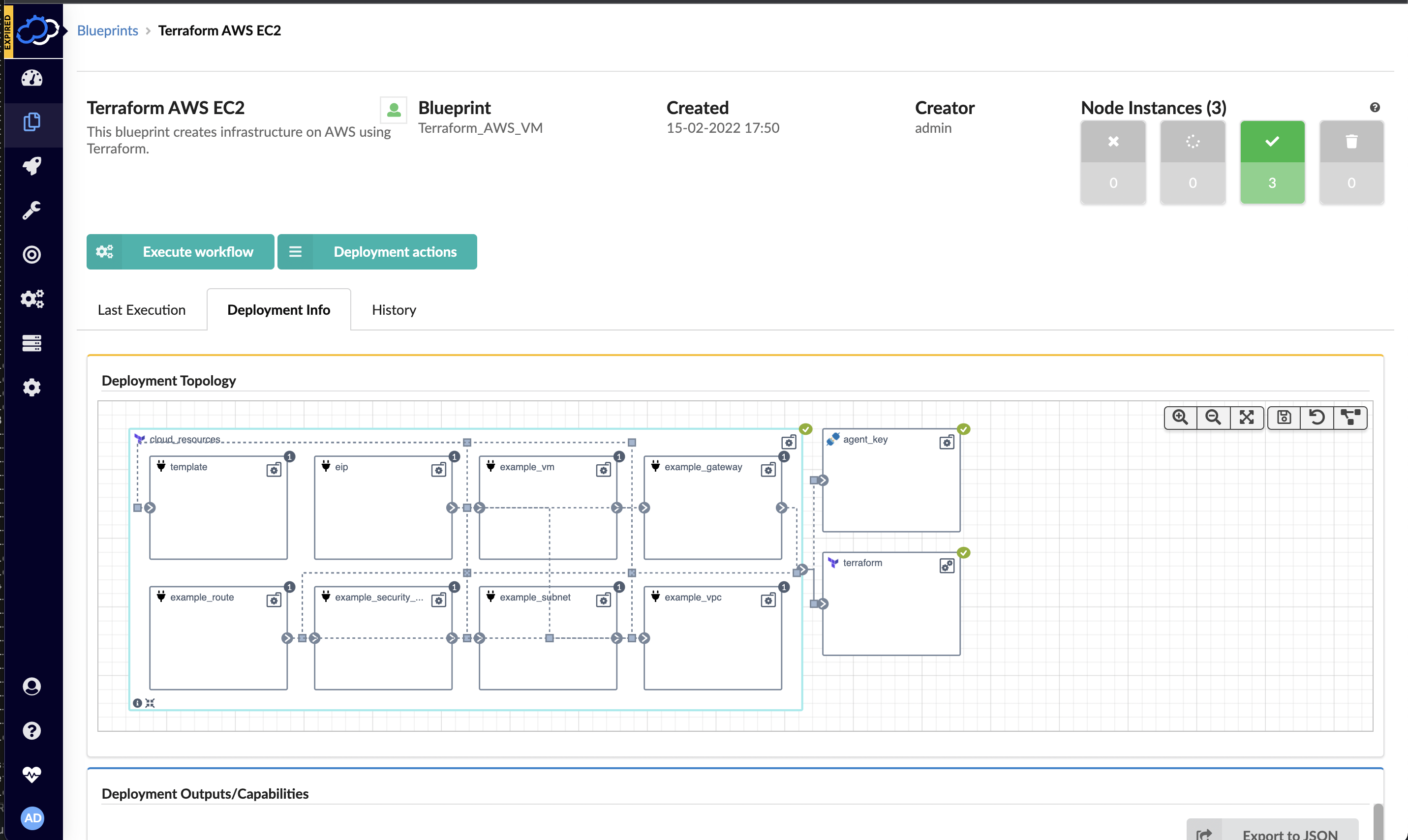
IaC is among the DevOps best practices. Its goal is to simplify the management of your company’s IT infrastructure. Simply put, IaC cancels out manual processes of provisioning and management of your networks, storage, servers, and other infrastructure elements and replaces them with automation. Instead of manual tasks, come code and configuration files.
By changing the way they create and maintain their environments, teams can eliminate the possibility of human-made errors. But that’s not the only benefit of this approach. It also creates safe and repeatable management procedures. These make it easier to scale projects. And it also offers greater reliability and quality.
Quality Assurance and Automated Testing
As was mentioned earlier, testing is a pivotal part of the CI and CD pipelines. And it’s also one of the major components of DevOps workflow automation. Automatic testing is applied throughout the entire CI/CD stages to assess the stability and performance of the solution after each change has been made. There are a number of test types that are involved in this process, including unit, integration, end-to-end, and regression testing. But that’s not all.
Beyond the software performance testing after code changes and pre-launch, many teams also integrate pre-release testing of their marketing efforts and SEO, in particular. What does that mean? You can use DevOps automation to run audits of your solution’s/app’s accessibility and SEO to see how well it will perform in SERPs. This is important to ensure that your software will be visible to potential users in search engines when it rolls out.
Furthermore, in today’s online landscape, it also makes pretty good sense to perform additional checks of your visibility in AI search. Since more and more people are using AI-powered engines and tools to research information, being included in generated results is a good way to secure overall visibility. You can do this with the help of a specialized AI search visibility tool.
All in all, using diverse DevOps workflow tools for automated testing will help you detect issues before you get into the production stage or release your solution. This way, you can safeguard UX and business KPIs.
Logging, Observability and Monitoring
Your workflow doesn’t really stop even when the solution is released. The post-production and release stage is all about ongoing assessment of the solution’s performance and improvement.
It consists of three elements that can work simultaneously:
- Monitoring is about tracking performance in real time.
- Logging stands for keeping a well-documented log of all events that require troubleshooting.
- Observability is about collecting deeper insights into the state and stability of the system through various logs, metrics and traces.
What is it all aimed at? It’s all about keeping an eye on any arising bugs and issues. This is crucial to respond to incidents quickly and secure an all-time positive UX.
Common DevOps tools leveraged at this stage include Grafana, Datadog, Prometheus and others.
Collaboration and Communication
As you now see, this culture is all about establishing a smooth and integrated work process that implies the performance of many simultaneous tasks by multiple contributors. Furthermore, it implies mutual and well-defined work of teams from different departments. Hence, this methodology is just as much about your in-house culture as it is about technical aspects of the product’s lifecycle.
There are two cultural aspects in the heart of an effective workflow:
- Collaboration
- Communication
Companies need to integrate effective collaboration solutions. These include shared dashboards, regular meetings, clear documentation and async communication. This should help ensure that everyone involved in the project is on the same page. It should also allow effective interactions across all team members, regardless of their schedules or time zones. This is particularly important for large teams.
To accomplish all of this, teams need to adopt efficient DevOps tools meant for collaboration. Currently, common picks include Jira, Trello, Slack, Microsoft Teams and others.
Security Integration
While DevOps is primarily focused on software quality and fast delivery, security is something that can easily slip through the cracks in the production process. In this case, leading companies bring together DevOps and security and turn their software supply chains into DevSecOps.
What does this mean? Speaking simply, this approach is based on the same fast-moving development and operations pipeline, but that also has mandatory security processes in it. This implies regular and automated vulnerability scans and dependency checks, as well as compliance automation and secret management. This helps detect security breaches early and ensure complete compliance to build and maintain user trust.
Continuous Improvement and Feedback Loops
Ongoing measurement and improvement are the two core principles of a DevOps culture. It’s important to understand that it’s not only about the delivery speed, but actually about positive UX and impeccable quality. That’s why the last two elements of a modern workflow under this culture are feedback loops and continuous improvement.
There are a few things involved in the process. First of all, feedback loops should be both internal and external. Internal loops contain regular and detailed feedback provided by in-house teams – including development, operations and Quality Assurance (QA). External feedback is collected from customer support logs and end-user telemetry (the data collected remotely from users’ devices and applications to assess real-world UX).
Both internal and external feedback loops have a shared goal—to detect issues and areas for improvement that need further attention. Such a continuous improvement approach allows for fast issue resolution, customer-centric development and improved UX.
DevOps automation is also present at this stage of the workflow. At this point, teams can use feature flagging platforms, such as LaunchDarkly. This platform allows automatic rollback of problematic features, has A/B testing functionality and easily integrates with your communication solutions, such as Slack.
Conclusion
DevOps is more than just a workflow organization pattern. It’s a culture built around firm principles of collaboration, communication, automation and continuous improvement. A combination of these principles allows us to create a smooth and efficient workflow that doesn’t just offer fast product delivery, but also helps ensure the best UX and constant growth.
With this guide, you should now have a better understanding of the key elements involved in this process, as well as the key DevOps workflow automation practices and tools. Use this knowledge to build a collaborative environment that drives success!




 Deepa Guna is Senior QA Architect for