Category: Blogs

  • Report Finds Most Cloud Security Issues Left Unaddressed

    Report Finds Most Cloud Security Issues Left Unaddressed

    Accurics, a provider of a platform for assessing the security of cloud computing environments, has published a report that finds that even once discovered, only 4% of issues reported in cloud production environments are addressed.

    Based on research conducted using its platform and other public sources of data, the report also finds 90% of organizations allow privileged users to make configuration changes directly to a cloud infrastructure after it is deployed.

    Issues such as open security groups, overly permissive identity access management (IAM) and exposed cloud storage services make up 67% of the most common cloud security issues being uncovered, according to the report.

    The Accurics report echoes similar findings published by Unit 42, the cybersecurity arm of Palo Alto Networks, which found more than 199,000 templates have medium-to-high vulnerabilities in use on public clouds.

    Accurics CEO Sachin Aggarwal said that as more organizations embrace infrastructure as code using tools such as Terraform, policy guardrails aren’t being put in place. More troubling still, security assessments seem to be few and far between. That’s especially problematic because cybercriminals now routinely probe every layer of the application stack looking vulnerabilities, he noted. In effect, cybercriminals are assessing cloud applications and infrastructure more frequently than IT teams.

    Aggarwal said beyond making sure the appropriate guardrails are in place in terms of overall security posture, organizations need to have confidence in the DevOps processes being adopted. That doesn’t mean cybersecurity teams should put rules in place that slow that application development process down. Rather, tools that surface cybersecurity issues and then provide a method to automate the remediation of any vulnerabilities discovered need to be put in in the hands of IT professionals, he said.

    The challenge organizations face is the processes that are employed to secure on-premises IT environments largely don’t translate well to highly dynamic cloud computing environments that assume a shared responsibility approach to IT. Public clouds are obviously popular with DevOps teams that can programmatically invoke resources on demand. However, those teams generally don’t have much cybersecurity expertise. Too often, DevOps teams assume cybersecurity tasks are being handled by a cloud service provider. Of course, the cloud service provider is only securing the services they provide. Any configuration issue is not their responsibility.

    The result is as more changes are made to the IT environment, the more likely that mistakes will be made. Catching all those issues without the aid of tools is an unreasonable expectation for any IT organization, much less a DevOps team that may be working beyond the purview of the rest of the IT organization.

    No one sets out to create a cybersecurity issue. But in the rush to deploy or update an application it’s easy to overlook a cybersecurity issue. The goal should be to eliminate as many of those mistakes as possible before they are ever made. However, as long as humans are involved, there will be errors. So the next most important thing is to be able to correct those mistakes as quickly as possible without having to disrupt the entire IT environment.

  • Survey Sees Increased Agile Adoption During COVID-19

    Survey Sees Increased Agile Adoption During COVID-19

    A report published by Digital.ai, the parent company of CollabNet VersionOne, finds 43% of organizations have increased their reliance on agile application development methodologies in the wake of the COVID-19 pandemic, with 15% saying it has increased significantly in the last 90 days.

    The report also notes 33% of respondents say they have increased or expanded Agile adoption in the last 90 days to help manage distributed teams, while 55% said their company plans to increase the use of agile in the next 12 to 14 months.

    Based on a pair of surveys conducted prior to and after the pandemic started, the 14th annual “State of Agile” report also finds 60% of respondents credit agile methodologies with having helped increase speed to market, while 58% say it has improved team productivity. Another 41% say they are also better able to manage distributed teams.

    Mike O’Rourke, chief research and development officer for Digital.ai, said there is a clear correlation between the ability to manage distributed application development teams and successfully navigating the pandemic now that most application development and deployment teams are working from home.

    Many of those teams are also seeing application development deadlines being moved up as organizations prioritize digital business transformation initiatives that now are core to any business continuity strategy.

    That shift is also accelerating a shift toward focusing more on business metrics for measuring success as defined by, for example, the Scaled Application Framework (SAFe), said O’Rourke, noting as a result, there’s also a lot more focus on value stream management across the enterprise as business and IT teams work closely together. The survey finds just over half of the respondents report their organization has either already implemented value stream management (VSM) or are planning to do so.

    The survey also finds more focus on risk and compliance, with the number of respondents identifying and measuring technical risk prior to deployment increasing 54%, while the importance of automated audit compliance and governance across control points increased 10% year over year.

    Perhaps most surprising, the survey finds reducing project cost is cited as an important reason for adopting agile by only 26% of the respondents, a 41% drop from the previous year. The number of organizations focused on release planning decreased by 11%; however, organizations focusing on product road mapping increased 9% over the previous year. The survey also finds slightly more respondents are using automated acceptance tools (3%). Another 12% said they plan to adopt agile project management tools in the future.

    It’s not clear whether increased focus on application development might result in bottlenecks when it’s time to deploy those applications. Organizations that have already embraced best DevOps practices alongside agile development methodologies will naturally be in a better position to deploy applications. At the same time, increased focus on digital business transformation is likely to accelerate the adoption of both agile development methodologies and best DevOps practices across the enterprise.

    In fact, it’s arguable that organizations that are not able to build and deploy applications adroitly may soon find they are unable to compete at a time when software development has become critical to their survival.

  • AppDynamics Survey Sees Rush to Digital Transformation

    AppDynamics Survey Sees Rush to Digital Transformation

    A survey of 1,000 IT professionals in organizations with annual revenue of at least $500 million conducted by AppDynamics, a unit of Cisco Systems, finds nearly three-quarters (74%) report digital transformation projects which typically would take more than a year to be approved are now being signed off on in a matter of weeks.

    The research also finds 95% of respondents changed their technology priorities during the pandemic, with 88% identifying digital customer experience as being a priority now.

    In addition, some 71% said some digital transformation projects have been implemented within weeks versus the months or years it would have taken to implement a similar initiative before the pandemic. At the same time, 66% of respondents noted the pandemic has exposed weaknesses in their digital strategies, creating an urgent need to accelerate initiatives.

    Not surprisingly, the survey also finds 81% of respondents said the pandemic has created the biggest technology pressure their organization has ever experienced, with 61% under more pressure at work than ever before. Almost two-thirds (64%) said they are now being asked to perform tasks and activities they have never done before.

    Despite the enormous pressure technologists are facing, 87% said this period of time is an opportunity for technology professionals to show their value to the business. In fact, 80% of survey respondents report that the response of their IT teams to the pandemic has positively changed the perception of IT within their organizations.

    The survey specifically identifies managing spikes in website traffic (81%), lack of unified visibility and insight into the performance of the technology stack and its impact on customers (80%) and managing mean time to resolution (MTTR) with a remote IT department (70%) as major challenges.

    IT teams during this time need clear goals and objectives (90%), real-time data at the point of need (89%), autonomy and accountability (88%) and the freedom to experiment and take risks (87%), the survey finds.

    Angie Mistretta, chief marketing officer at AppDynamics, said the survey mirrored an earlier AppDynamics report that tracked a rise in the use of search terms such as “digital experience monitoring” and “application performance management (APM).”

    In general, Mistretta said it’s also apparent the rate at which application workloads are moving into the cloud is accelerating as organizations look to deploy more resilient applications based on cloud-native technologies such as Kubernetes that are designed from the ground up to access remotely.

    It may take time for IT organizations to master cloud-native platforms to deploy microservices-based applications. As such, the number of monolithic applications being lifted and shifted into the cloud remains considerable. Once those applications are shifted, many IT teams will only then start to modernize those applications.

    Naturally, AppDynamics is betting many more organizations will require access to an APM platform to navigate this brave new world of legacy and emerging digital business applications in the cloud. The challenge for IT teams, however, is there have never been so many APM options available.

  • CircleCI Extends Core CI/CD Platform

    CircleCI Extends Core CI/CD Platform

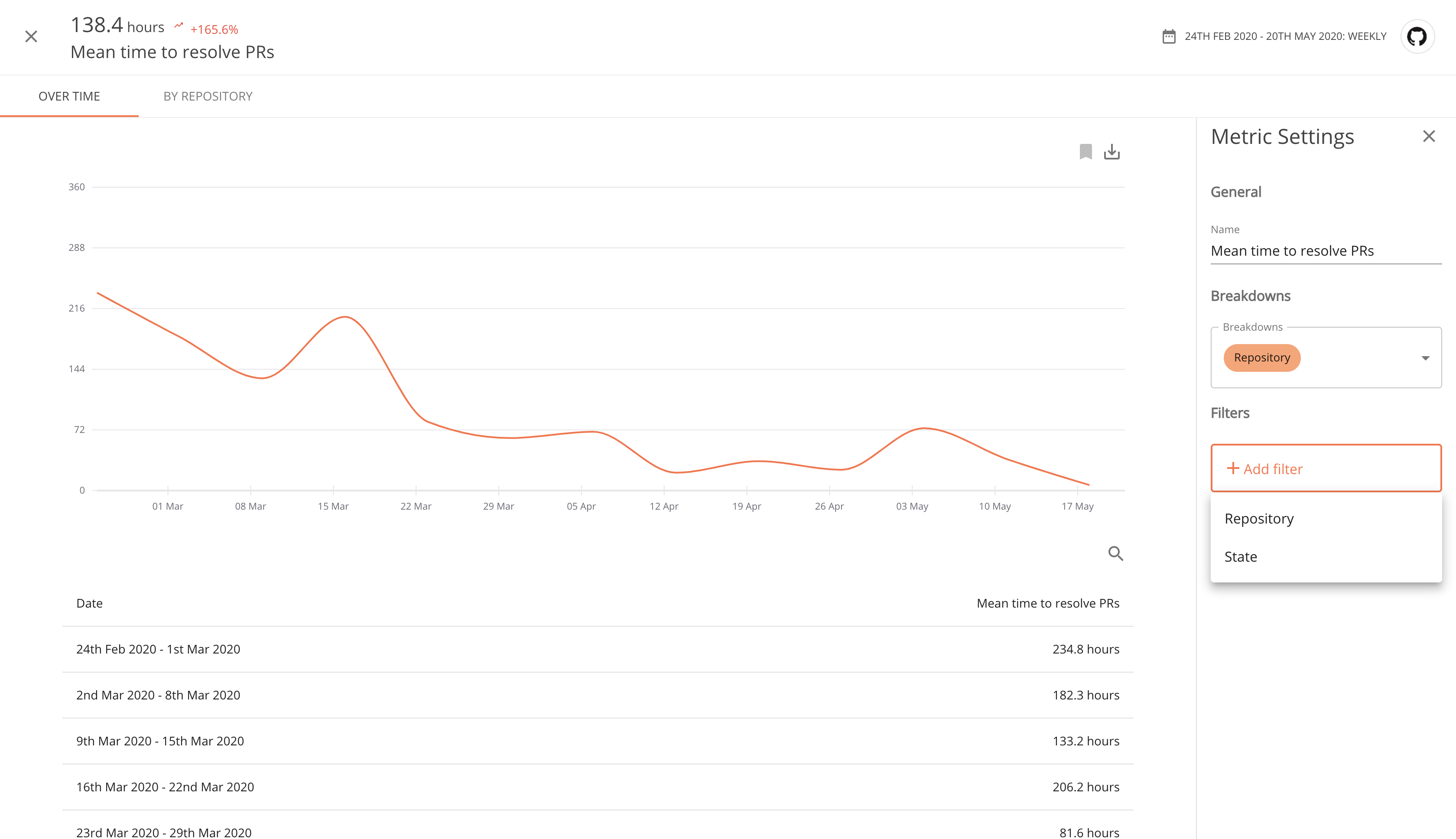
    CircleCI today in partnership with Plandek launched an analytics plugin dubbed Buildtrakr for its namesake continuous integration and continuous delivery (CI/CD) platform. Buildtrakr integrates with CircleCI and Git to synthesize commit and build performance data, with critical metrics being surfaced via a dashboard.

    In addition, CircleCI has revamped its user interface and reconfigured a new fleet of Docker images, also known as CircleCI convenience images, to optimize them for a continuous integration environment.

    CircleCI CEO Jim Rose said Docker images made available by CircleCI are faster, easier to download and provide a more efficient way to build custom images. CircleCI also released a new category of convenience images available for languages such as Python, Ruby, Rust, Go and several others, that come with improved documentation, more stability and more efficient infrastructure. Those convenience images are individual open source projects and can be used in IT environments other than the CI/CD platform from CircleCI.

    Finally, the company also announced that its insights endpoints now offer start and end date parameters for workflows and jobs. These parameters restrict the range of executions returned based on their start times in addition to providing a new filter to use for testing analysis.

    Rose said the new user interface is significant because it makes it possible to view the status of entire pipelines more easily while making it easier for more advanced DevOps teams to leverage workflows.

    The redesigned interface also adds a filterable view with nested workflow and job information, making it easier to scan the status of recent builds. Pages were also overhauled to deliver more digestible job details, full-screen step outputs for easier debugging and a cleaner configuration-as-code view. There’s also been a 65% reduction in page load times, noted Rose.

    In general, Rose said activity on the CircleCI platforms in cloud environments is on the rise in the wake of the COVID-19 pandemic. Organizations that are working remotely due to stay-at-home directives and can’t access a local data center have come to realize that having a build box located under someone’s desk is no longer a viable option.

    Of course, it remains to be seen how much of that initial burst of activity will result in new applications being deployed. However, with more organizations starting to build and deploy digital business applications to engage customers, it may be only a question of when IT operations teams will be able to catch up to a building backlog of applications. In fact, many of those applications are now likely to be deployed on the same cloud where they were constructed.

    Whatever the path forward, there most certainly will be a greater reliance on metrics. Naturally, the hope is that analytics will be used to coach DevOps teams to become more efficient versus simply riding roughshod over developers. After all, the goal isn’t to write more code faster but to deliver better code at the right time.

  • Netlify Makes Build Plugins Available for Jamstack Platform

    Netlify Makes Build Plugins Available for Jamstack Platform

    Netlify, at a Jamstack Conf Virtual event, announced the general availability of open source Netlify Build Plugins that provide IT teams with a set of continuous integration/continuous delivery (CI/CD) workflows for building websites and web applications using JavaScript, application programming interfaces (APIs) and static HTML files without employing web servers, otherwise known as a Jamstack.

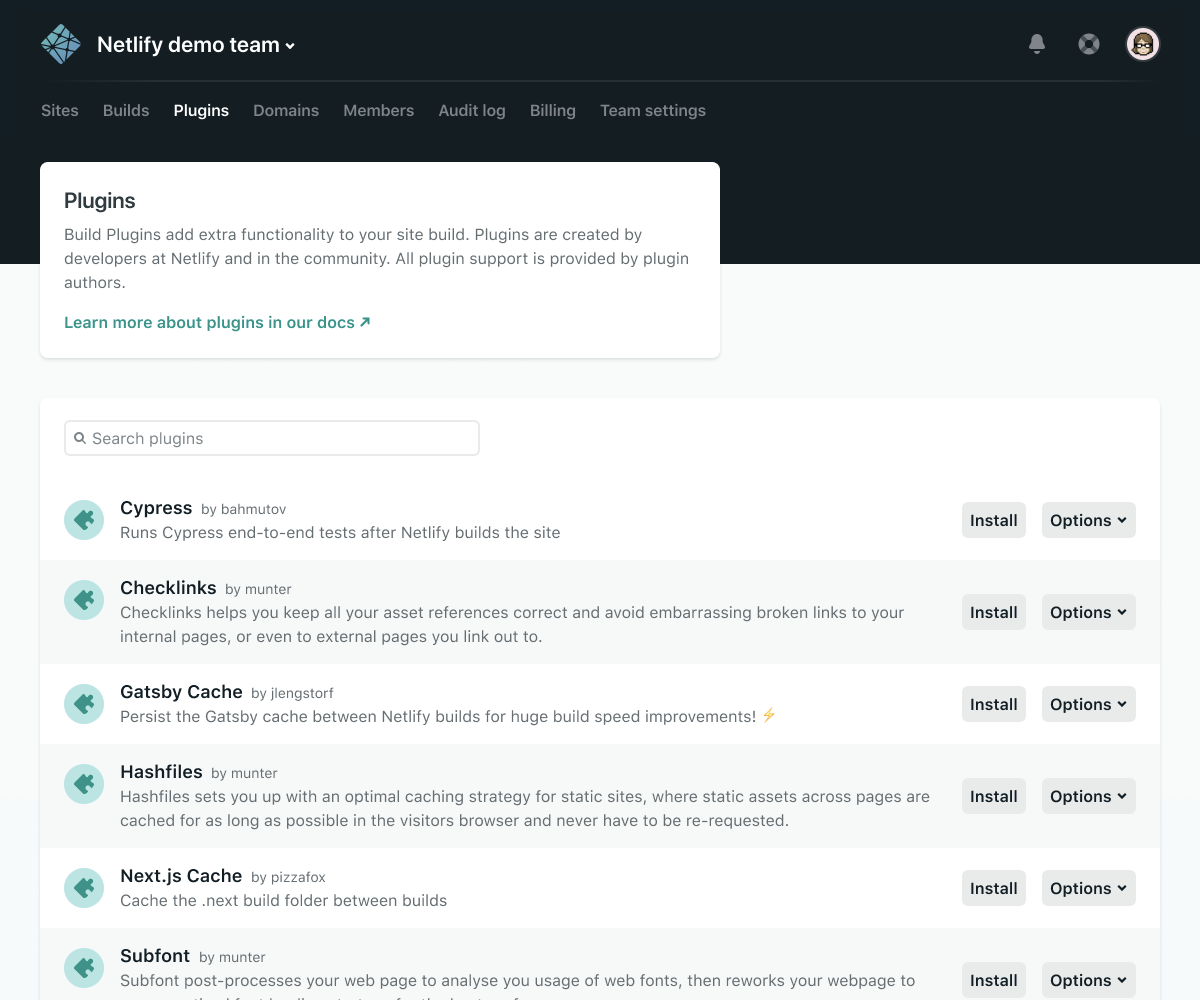
    Designed to be launched from within a Netlify platform to enable IT teams to build a website and launch it from a Git repository to a content delivery network (CDN), the Netlify Build Plugins are intended to make it easier to employ DevOps processes using, for example, a plugin to run an end-to-end Cypress test.

    Netlify CEO Mathias Biilmann said DevOps teams also can make use of a Netlify API to create their own plugins. Ultimately, the goal is to foster the development of a wide range of open source Netlify plugins that would be built and vetted by the Jamstack community, he said.

    Other Netlify Build Plugins provide a means to enable Ghost, an open source headless content management system based on Node.js that can be deployed on any framework; launch a Sentry tool to automatically discover, triage and prioritize bugs; or enable a Gatsby tool to create incremental builds on Netlify.

    A survey of more than 3,000 Jamstack developers published today by Netlify finds one-third have worked on sites serving millions of users over the last year. Nearly two-thirds of survey respondents (62%) work outside the tech industry, including advertising and marketing (21%), media and publishing (14%), education (14%), financial services (13%) and business support and logistics (13%). Well over a third (38%) work for a technology company. About a quarter (26%) have more than 10 years of experience.

    Top Jamstack benefits cited by all types of developers are performance, uptime, speed of development, security, compliance and avoiding vendor lock-in, the survey finds.

    Biilmann said Jamstack as a philosophy enables IT teams to separate the development of front- and backend websites and applications in a way that allows organizations to embrace best DevOps processes. That approach is agnostic as far as any specific JavaScript framework is concerned, but it does define a way to automate the build process for a web application or website.

    In the wake of the economic downturn brought on by the COVID-19 pandemic, more organizations are investing time and resources in modernizing their websites and applications. With more employees and end users depending on those websites to drive digital business processes, the quality of the application experience has become a much bigger concern. At the same time, end users have now come to expect those application experiences to be updated regularly, which in many cases will necessitate the adoption of best DevOps processes.

    In fact, it’s arguable that organizations that don’t embrace best DevOps practices to build and deliver web applications at scale will soon discover they have bitten off more than they can chew.

  • Increasing Software Velocity While Maintaining Quality and Efficiency

    Increasing Software Velocity While Maintaining Quality and Efficiency

    At Compuware, we have been exploring the need for continuous improvement across three key dimensions of software development: velocity, quality and efficiency. Given today’s current market demands and the importance of digital services, this discussion couldn’t be timelier.

    On my previous piece, I focused on quality — how to maintain and improve it as (supposedly) competing demands for velocity and efficiency increase simultaneously. This article will focus on increasing velocity and how it is possible to do so without compromising quality or efficiency. As I discussed in my earlier piece on quality — automation, integration and measurement are once again the key.

    Compuware recently conducted a survey finding the overwhelming majority (97%) of application development managers said IT is under more pressure than ever to deliver software innovation faster. Higher demands for innovation are being imposed universally across platforms, from the cloud all the way back to the mainframe.

    Mainframe software delivery is a particular area of focus, with 95% of respondents noting their IT teams are under pressure to adopt modern development practices on the mainframe in order to accelerate overall software delivery and innovation. Adding to this pressure, organizations reported they expect to increase the frequency of new mainframe application feature deployments by an average of 41% over the next year, compared to 38% for non-mainframe applications. This shouldn’t come as a shock, given the proliferation of modern web-based applications placing unprecedented demands on back-end mainframes.

    Let’s take a closer look at how automation, integration and measurement are equally applicable to the goal of advancing velocity.

    Automation

    Throughout the software lifecycle there are many opportunities for automation — from software design, to development, to build, test, deploy and, ultimately, the production state. The more of these steps that can be automated, the faster developers can work.

    Perhaps the biggest area for potential time savings is testing, because of all the phases of the software lifecycle, testing assumes the most manual labor. The Vanson Bourne survey found test automation to be the single most important factor in accelerating innovation, according to 90% of IT leaders.

    On the mainframe specifically, development teams spend more than half their time on testing during the release of a new mainframe application, feature or functionality. If you can automate more testing, you can roll out applications faster while maintaining (or even enhancing) quality combined with an extremely high level of developer efficiency.

    Integration

    Integration helps software development technologies interoperate with each other. An integrated pipeline leverages existing investments and enables developers to build, test and deploy faster while providing the additional benefit of reducing errors resulting from human intervention (furthering quality). Integration also decreases the manual labor needed to execute and manage workflow within software delivery processes. When these technologies integrate out of the box, setup time is saved and productivity gains can be realized significantly faster. 

    For example, the integration of Compuware Strobe application performance solution with Jenkins, makes it easy for developers to take performance measurements early and automatically as part of a Jenkins CI/CD pipeline.

    Ongoing Measurement

    Measuring velocity is critical. Without measuring, it’s impossible to know how changes are impacting the software development process and what areas need to be improved. Measuring is the key to understanding if there are any activities that can be sped up across the phases of build, test and deploy. This enables development teams to find and address bottlenecks with a great level of granularity. Some common metrics for measurement include mean-time-to-build (MTTB), mean-time-to-delivery (MTTD) and mean-time-to-repair (MTTR).

    Conclusion

    Velocity does not need to exist at the expense of quality or efficiency — on the cloud, the mainframe or any other development platform. Like quality, the key to achieving and improving velocity lies in the disciplines of automation, integration and ongoing measurement. The next piece of this series will explore the keys to maximizing developer efficiency amidst near constant demands for exceptionally fast, high-performing rollouts.

  • 5 Ways to Detect Application Security Vulnerabilities Sooner to Reduce Costs and Risk

    5 Ways to Detect Application Security Vulnerabilities Sooner to Reduce Costs and Risk

    Security testing has always been an important step in the application development process. Yet, traditional measures often occur too late in the process to effectively find and fix vulnerabilities before causing costly production delays, or worse, putting organizations at risk for potential security breaches.

    To minimize security-related costs and risks, testing needs to occur sooner and more frequently throughout the development process. But, how can you accomplish this while keeping pace with growing application development demands?

    Looking at automation can help. Development teams have been using automation to streamline manual activities such as build, deployment and functional testing for years now, and it is time security testing joins the mix. By integrating automated security validation into the continuous integration/continuous development (CI/CD) pipeline, you can catch vulnerabilities sooner, reducing the potential risk and financial impact.

    In this article, we’ll look at five ways automated technology tools can help safeguard the CI/CD pipeline: SAST, detecting OSS vulnerabilities, identifying compromising credentials, DAST and verifying cloud infrastructure security.

    Your CI pipeline provides a ready-made check-in point to install the following automated security gates and pinpoint vulnerabilities.

    Static Application Security Testing (SAST)

    SAST provides the earliest check-in opportunity, allowing you to identify potential issues at the coding stage, so you can resolve problems without breaking builds or allowing vulnerabilities to get passed to the final application release.

    Commercial solutions such as Checkmarx help to identify hundreds of security vulnerabilities and weaknesses in custom code. You can also leverage many open source linters for your specific platforms to detect various vulnerability patterns that can compromise code security.

    Detecting Open Source Software Vulnerabilities

    Just because the code is secure doesn’t mean the entire application is protected. Most applications use a large number of dependencies, or third-party open source software (OSS) components. These may have various security vulnerabilities and put your application at risk.

    Tools such as Whitesource Bolt and Black Duck can scan all of your projects, not only to detect OSS components, but also identify and provide fixes for any known vulnerabilities. 

    Identifying Compromising Credentials

    Human error is always a security concern, especially when it comes to credentials. Just consider how many times you’ve heard of developers committing code only to later realize they’d accidentally included a password. These errors can lead to high-cost consequences for organizations.

    There are many tools that scan for secrets and credentials that can be accidentally committed to a source code repository. One example is Microsoft Credential Scanner (CredScan). Perform this scan in the PR/CI build to identify the issue as soon as it happens so they can be changed before this becomes a problem.

    Once an application is deployed, you can continue to scan for vulnerabilities through the following automated continuous delivery pipeline capabilities.

    Dynamic Application Security Testing

    Unlike SAST, which looks for potential security vulnerabilities by examining an application from the inside—at the source code—Dynamic Application Security Testing (DAST) looks at the application while it is running to identify any potential vulnerabilities that a hacker could exploit.

    OWASP Zed Attack Proxy (ZAP) is an open source tool for performing pen testing on web applications and APIs. Pen testing helps ensure that there are no security vulnerabilities hackers can manipulate. It can be installed as a client application or come configured on a docker container. OWASP ZAP scans can be incorporated into your pipeline to check every deployment for security vulnerabilities.

    Verifying Cloud Infrastructure Security

    Finally, in addition to validating the application, the infrastructure should be validated to check for vulnerabilities. When using a public cloud, deploying the application and shared infrastructure is easy, so it’s important to validate that everything has been done securely.

    Each public cloud includes tools to help verify that the infrastructure has been provisioned securely. APIs can be leveraged to check immediately after deployment in lower environments to help ensure any infrastructure security issues are caught before they get to production. Additionally, tools such as InSpec provide compliance-as-code to enforce the intent of provisioned infrastructure is always being met.

    Enabling continuous security validation through the CI/CD pipeline can help fortify applications against an expanding array of security threats that can lead to significantly higher costs and exposure. At the same time, automation tools can provide added layers of protection while meeting the organization application development demands.

  • IBM launches Equal Access Toolkit to help developers build accessible websites and applications

    Increase the accessibility of your application and website from the start with the open source IBM Equal Access Toolkit.

    By Si McAleer, Program Director, IBM Accessibility

    Although nearly 1 in 4 adults in the U.S. face some type of disability, an industry sample has found that in 2020 over 98 percent of home pages had a detectable accessibility error. Accessibility can be forgotten or left until too late in the process when it is difficult to retrofit the site or application. Knowledge, discipline, and tools are all essential to building in accessibility throughout a development process.

    As we near Global Accessibility Awareness Day, I am excited to announce a new open source offering and design toolkit that give designers and developers the tools they need to make their websites and applications accessible.
    The Equal Access Toolkit and Checkerare tools for developers and testers to use to embed accessibility directly into their workflow.

    ·        The IBM Equal Access Toolkitis a public set of guidelines that deliver phase-based guidance about accessibility to all members of a team creating an enterprise offering.
    ·        The Accessibility Checker is part of an open suite of automation tools. It is a browser extension that allows developers or auditors to evaluate a web-based component or solution for accessibility issues.
    Specifically our project offers:
    ·        Clear guidance on what’s needed at each stage of development, from initial research through planning, design, development, verification and launch
    ·        A prioritized breakdown of accessibility requirements at each stage
    ·        Test automation
    ·        Browser-based accessibility checking with powerful navigation and built-in help that supports learning exactly the right information, at exactly the right time

    Ensuring all team members are responsible for accessibility
    All of the tools are built on the same rules engine that is kept up to date to meet the latest accessibility standards and share guidance elements so that all team members can be responsible for accessibility. Each guideline comes in bite-sized snippets to highlight where team members should focus their attention and get the most value at the most efficient pace.
    The toolkit enables product teams to create accessible tools along the way without the need for an accessibility expert or formal education. At the same time, designers and developers can fill in gaps as they go without a loss of continuity.

    See the checker in action
    The tool offers a full accessibility evaluation of the web page which you can use to understand any potential violations by either looking at the page element or the accessibility checklist item.

    Get started
    Access the checker via GitHub or get the browser extension through you’re the Chromeor Firefoxstores.
    If you want to run the checker in a batch configuration, you can get the checker through the NPM repository. Because the toolkit is technology-agnostic, you can use it in a variety of Node.js-based environments for automated testing.

    Conclusion
    IBM’s long and storied history with diversity and accessibility has taught us that incorporating those aspects into our work creates better innovation and outcomes. We understand it is not always easy to find the best practices or guidance to fully understand or test accessibility solutions. This is why we wanted to establish an open source platform that empowers offering teams to conceive, design, develop, ship, and report on their accessible offerings regardless of their accessibility expertise.
    In honor of Global Accessibility Awareness Day, we encourage you to visit https://ibm.com/ableto access the IBM Equal Access Accessibility Toolkit and Checker and make accessibility an inherent part of your development process.

  • How to Scale Microservices CI/CD Pipelines

    How to Scale Microservices CI/CD Pipelines

    As opposed to a traditional monolith, microservices architecture can theoretically bring many benefits. Microservices decouple software elements, enable reusable components and allow independent development cycles. However, in practice, microservices are prone to many issues.

    For example, teams accustomed to a traditional monolithic build process may find it difficult to reshape their established practices. Furthermore, as the number of microservices increases into the hundreds, managing separate CI/CD pipelines for each service becomes untenable, especially as DevOps components aren’t always optimized to fit every pipeline precisely.

    These are some of the real-world problems that Dan Garfield, chief technology evangelist at Codefresh, brought up in episode five of the DevNetwork Dev Professional Series. In this article, we follow his talk to examine the benefits of microservices, their hangups in a real-world CI/CD case study and solutions for scaling delivery as complexity and numbers increase.

    Monoliths in Space

    To get a better idea of why we need microservices, Garfield uses an analogy from space—the Apollo 13 mission. Apollo 13 was made of two ships: the lunar module and the command module. In software terms, these were essentially two giant monoliths.

    When the command module experienced an oxygen failure, its crew needed to repurpose oxygen filters from the lunar module. However, the lunar module engineers designed their oxygen filters differently, causing a major headache to reassemble and retrofit these parts.

    This analogy goes to show how monolithic-style development can create tunnel vision. When teams adopt guidelines that work only for the monolith, they are usually incompatible externally. This stifles the possibility of reusable components, thus decreasing code value and extending overall development effort.

    “Being able to reuse components and scale independently is the benefit of microservices,” said Garfield.

    Expedia’s Microservices Journey

    To see real-world microservices architecture in action, take Expedia. Previously, Expedia services had existed within monoliths, which meant much duplication. Services were detrimentally tethered, meaning if a service broke you had to fix the entire monolith.

    Garfield describes how Expedia isolated its architecture into individual microservices to represent abilities such as car search, car sorting, bookings, airline search and others. While this aided elasticity and usability, the microservices journey came with issues.

    Problems in Microservice Heaven

    Expedia ran into multiple problems within their microservices journey. Though Expedia had valid business reasons to adopt microservices, “they didn’t have a plan for how to scale their CI/CD that was realistic,” expressed Garfield.

    Foremost, as the number of microservices expanded into the hundreds and thousands, standardizing CI/CD became quite difficult. The organization was using one CI/CD pipeline per service, meaning they now had to support thousands of pipelines, each connected to an individual Git repository. A microservice may also have different pipelines for production, internal use or testing environments, leading to even more duplication.

    When you scale microservices, you also encounter a new set of roadblocks related to network and storage. This became extremely evident when Expedia realized the sheer network bandwidth and related costs from running validation and integration testing on thousands of separate CI/CD pipelines.

    “The scale of automation itself is where most people have the biggest bottlenecks,” said Garfield.

    Consolidating codebases with plugins and shared libraries became a common issue. Expedia developers experienced issues with Jenkins and were forced to programmatically or manually edit each pipeline, copy and pasting code from one to the next. In short, the flow was not easy, and differing approaches between teams led to shadow IT.

    Solutions For Scaling Microservices

    To help ease large-scale microservice environments and CI/CD pipelines, Garfield recommended taking a few approaches:

    • Use a container-based pipeline: The first principle Garfield suggested is using a container-based pipeline. If a pipeline is containerized, you can run it independently with different language versions. According to Garfield, “shared libraries are not the solution,” as they create version-specific conflicts. Using a Docker image is better than shared libraries because users can self-serve images with whatever version they want.

    There are many resources on Docker Hub to ease common CI/CD steps such as building a Docker image, git clone, running unit tests, linting projects and security scanning. Using these images can help avoid wasted development effort.

    • Consolidate to a single pipeline that operates with context: Instead of managing thousands of pipelines for all your microservices, Garfield suggested you use a single malleable pipeline for all integrations and deployments. His method involves Triggers, which carry information to direct actions.

    In this setup, Triggers carry context, or metadata, allowing a pipeline to change its behavior accordingly. These Triggers could be time-based or centered around actions like a repo Git commit, or pushing a new image. When a trigger is initiated, the trigger brings in relevant dependencies to perform an action, such as cloning a repository or cloning a codebase. Further steps can then consume these unique criteria.

    Garfield demonstrated how this is accomplished in practice within the Codefresh CI platform with native Kubernetes integrations. The platform also enables you to filter and view by certain criteria; a window into commits and changes.

    Garfield acknowledged this overall strategy does mean making microservices a bit more uniform, but perhaps the ease of deployment could outweigh the development constraints.

    • Adopt canary release testing: If an organization has hundreds or thousands of microservices, spinning up each microservice to run independent tests can quickly become cost-prohibitive. As Garfield noted, “testing early becomes less useful as infrastructure complexity arises.”

    To solve this issue, teams can adopt a canary release strategy. Canary release is a practice in which new software is first released and tested among a small subgroup of users. It’s a good way to “limit the blast radius of a change that goes wrong,” said Garfield.

    Lasting Image: Pipeline Reusability

    Adopting a single container-based CI pipeline could help resolve the expanding set of issues with large-scale microservices testing and deployment. By templatizing pipelines, many microservices could abstract complexity and reuse the same modular components. Essentially, make CI/CD reusable in the same way microservices are.

  • Falling Back in Love with Data Pipelines

    Falling Back in Love with Data Pipelines

    It’s Spring 2020, and even in challenging and unprecedented times, love continues to bloom. That said, data pipelines are never far from my thoughts and the confluence of those two things got me thinking about data engineers and how their initial love for creating data pipelines often turns to loathing. 

    Data pipelines are the backbone of modern data systems, yet there’s still much to be desired when it comes to connecting and orchestrating the movement of data between data systems, including business intelligence, data processing, data warehousing or other applications. As an industry, we haven’t paid as much attention to the happiness of the people who build and maintain data pipelines as we have to the volume or velocity they support. As a consequence, today’s data engineers are building increasing resentment toward the technologies and tools that previously offered so much promise. 

    What is happening here, and can it be fixed? 

    Love at First Sight

    When we first met, everything was magical. We traveled the data world, far and wide, no longer bound by the constraints of relational databases and ETL tools. Vertical scaling was a thing of the past, and with horizontal scaling, we felt we could reach the end of the earth together. 

    The introduction of Hadoop, Spark, Kafka and more was a truly magical evolutionary stage for data pipelines. We could store and process more data than ever before, derive insights never thought possible, and do it all at a fraction of the cost. 

    What was there not to love? 

    Definitely, Maybe

    As our courting phase came to a close, we were happier than ever. We were spending more and more time together, eagerly building a future. We were both getting accolades at work, accompanied by exciting promotions and responsibilities. We were also growing increasingly comfortable with each other, and while at times it felt you were being a bit clingy, it was nice to be needed. 

    With pipeline technology continuing to advance, it felt scale and speed had few, if any, limits. We built more and more pipelines, linking outputs and inputs, tuning performance and performing increasingly complex transformations, all as part of an increasingly interconnected data ecosystem.

    Our data teams grew, and with more data engineers we built even more pipelines. We also started to notice that these pipelines are quite a bit higher maintenance than originally thought. They require frequent tuning and optimizations, yet still break far more often than they used to, usually at the least desirable times–like at 3 a.m. 

    This is definitely turning into a love/hate kind of thing. 

    10 Things I Hate About You

    I miss the old days. What happened? I’m just trying to hang out with my friends and you won’t stop calling–it’s suffocating me. When we do spend time together, the romance is gone. Horizontal scalability has lost its magic. 

    Most data engineering teams we encounter are firmly planted in this stage of relationship with data pipelines. They’re honestly feeling a bit trapped. They’ve built a ton of remarkable pipelines that do incredible things. These pipelines also require a tremendous amount of maintenance, and each new one they build only compounds the problem. As a result, we see most data engineering teams actively distancing themselves from data pipeline technology, building increasingly large layers of abstraction that sit between them and the raw technology. 

    Surely, all is not lost? 

    Something’s Gotta Give

    Right when I thought we were at our tipping point, we had a breakthrough. We weren’t communicating effectively, our languages of love were entirely different. I wanted to focus on the destination, the end result, and you wanted to focus on the journey, the path to get there. There clearly was a gap, and we needed help bridging it. 

    Fortunately, for the data engineer and their muse, the data pipeline, there are advances in pipeline technology, bridging the gap and offering a path toward reconciliation. One such path combines declarative programming with an underlying control system that understands the declarative model. Such control planes translate declarative models into imperative instructions for the underlying infrastructure, making pipeline development far less plumbing, and far more architecting. Declarative programming allows data engineers to focus on the big picture, drawing on their experience and creativity to design what the optimal data pipeline should look like, rather than spending time repairing failures, tuning parameters or manually tracing code. 

    The underlying control system, or control plane as it’s called, imbues the pipeline with autonomy, data awareness and intelligent persistence. Autonomous data pipelines are less needy and can handle data changes on their own (rather than making the data engineer responsible for everything). Data awareness allows pipelines to intuitively know what changed and what subsequently needs to change. Intelligent persistence allows pipelines to be considerate of cost and resources and makes sure everything is fast, efficient and never duplicated. 

    Love Actually

    I think it’s safe to say those among us who chose to enter data engineering didn’t do so imagining ourselves, infrastructure plumbers, spending hours upon hours maintaining data pipelines that fuel someone else’s data-driven creativity. No, data engineers want to create digital services and contribute business value, too–they’re just trying to keep everybody else out of the data muck in the meantime.

    This is the dawn of a new era in data engineering, and many of the early adopters of this latest approach to pipeline development have found it enables creation with far less time, code and maintenance. By embracing this new method of development, data engineers can again see a happy future where more of their time and skills are devoted to the things for which they–and the business–have real passion.